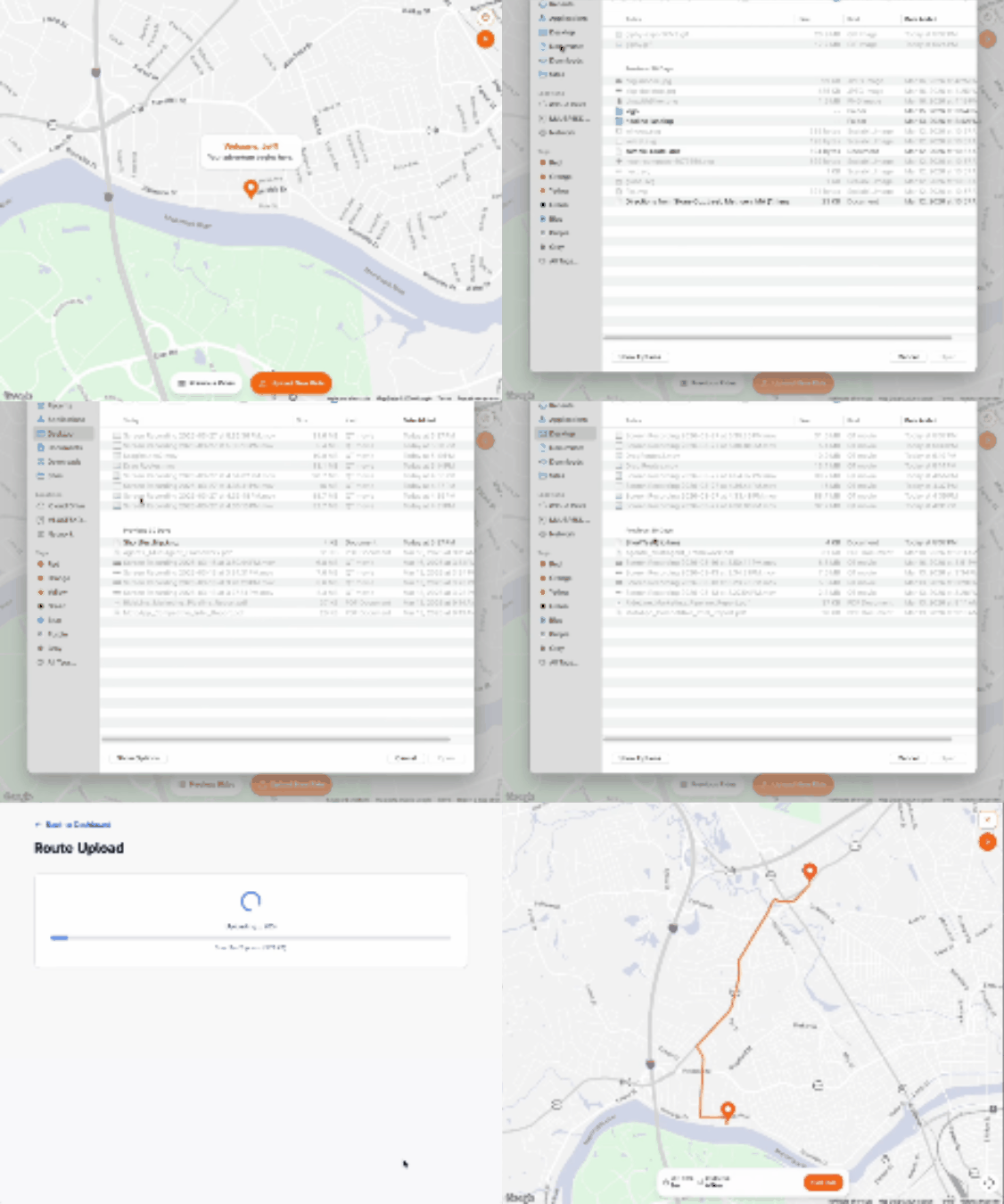
Plan your ride in 3 steps.
Use Google My Maps to build your route — as many stops as you want. Export it. Upload it. Done.
1
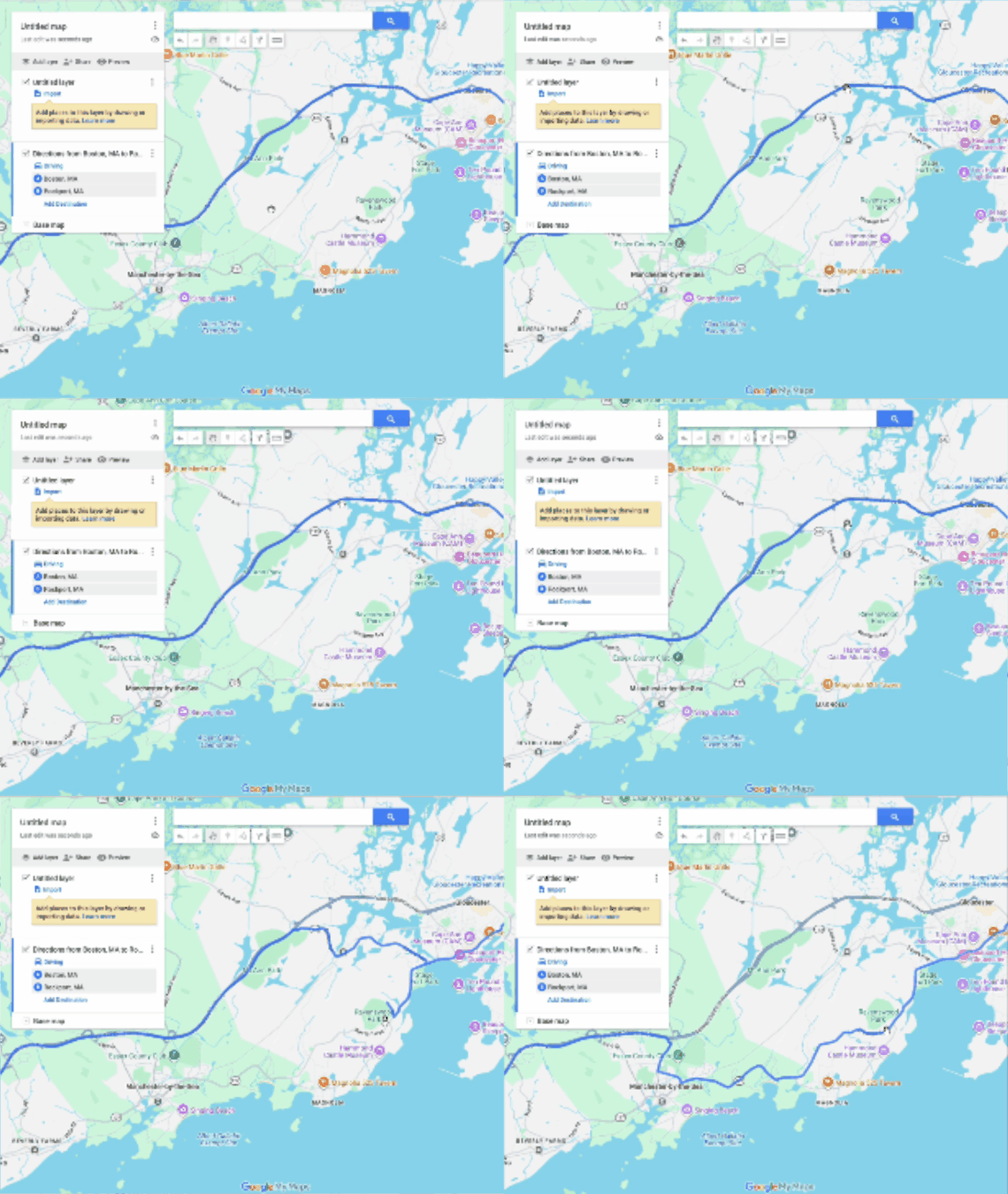
Plan on Google My Maps
Open Google My Maps and drop pins for every stop on your ride. Add as many waypoints as you need — there's no limit.
2
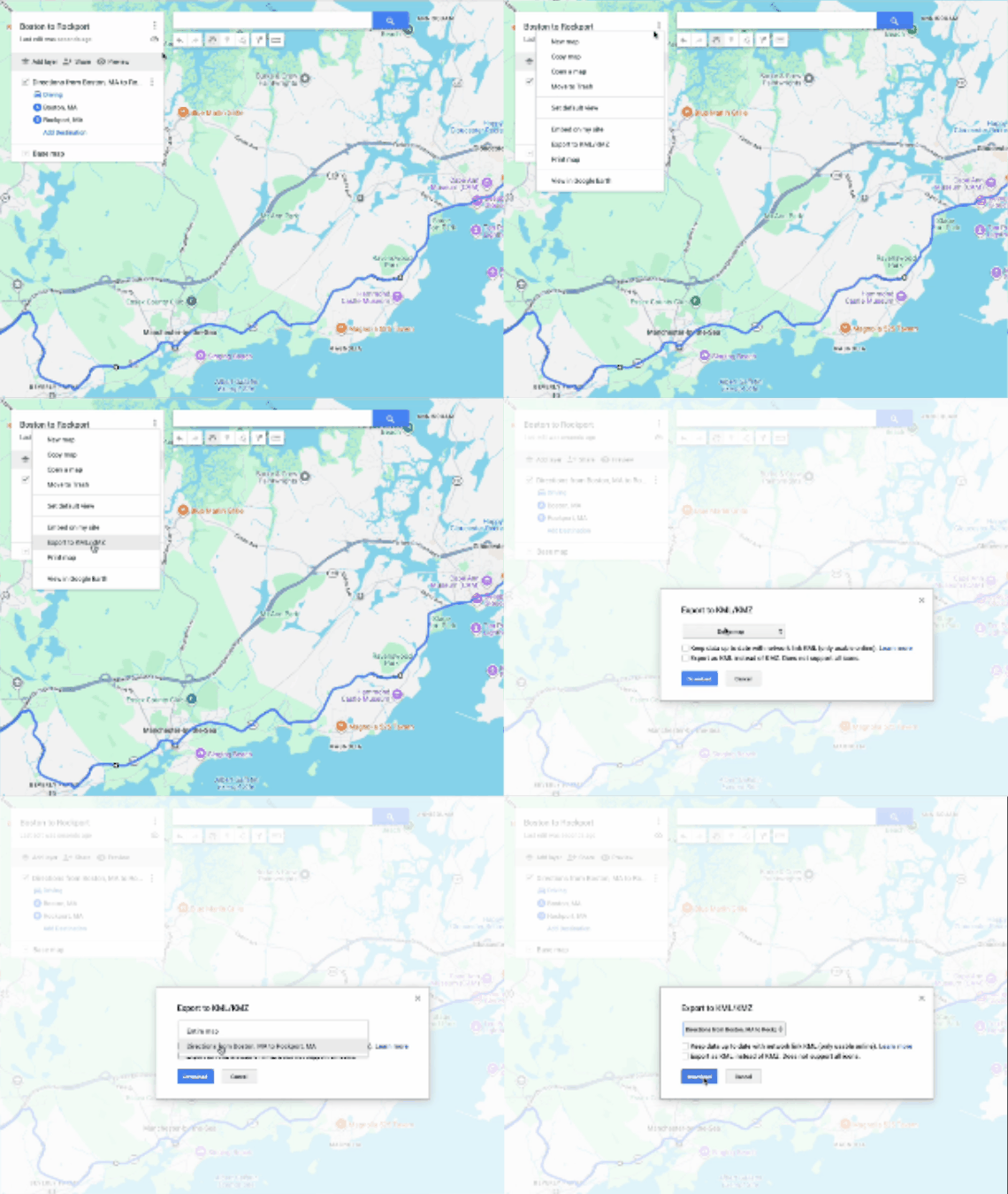
Download your KMZ
When your route looks right, export it as a KMZ file. Takes about 5 seconds.
3
Upload to RideLine
Open RideLine, tap Import, and select your KMZ file. Your full route loads instantly — every stop, in order.